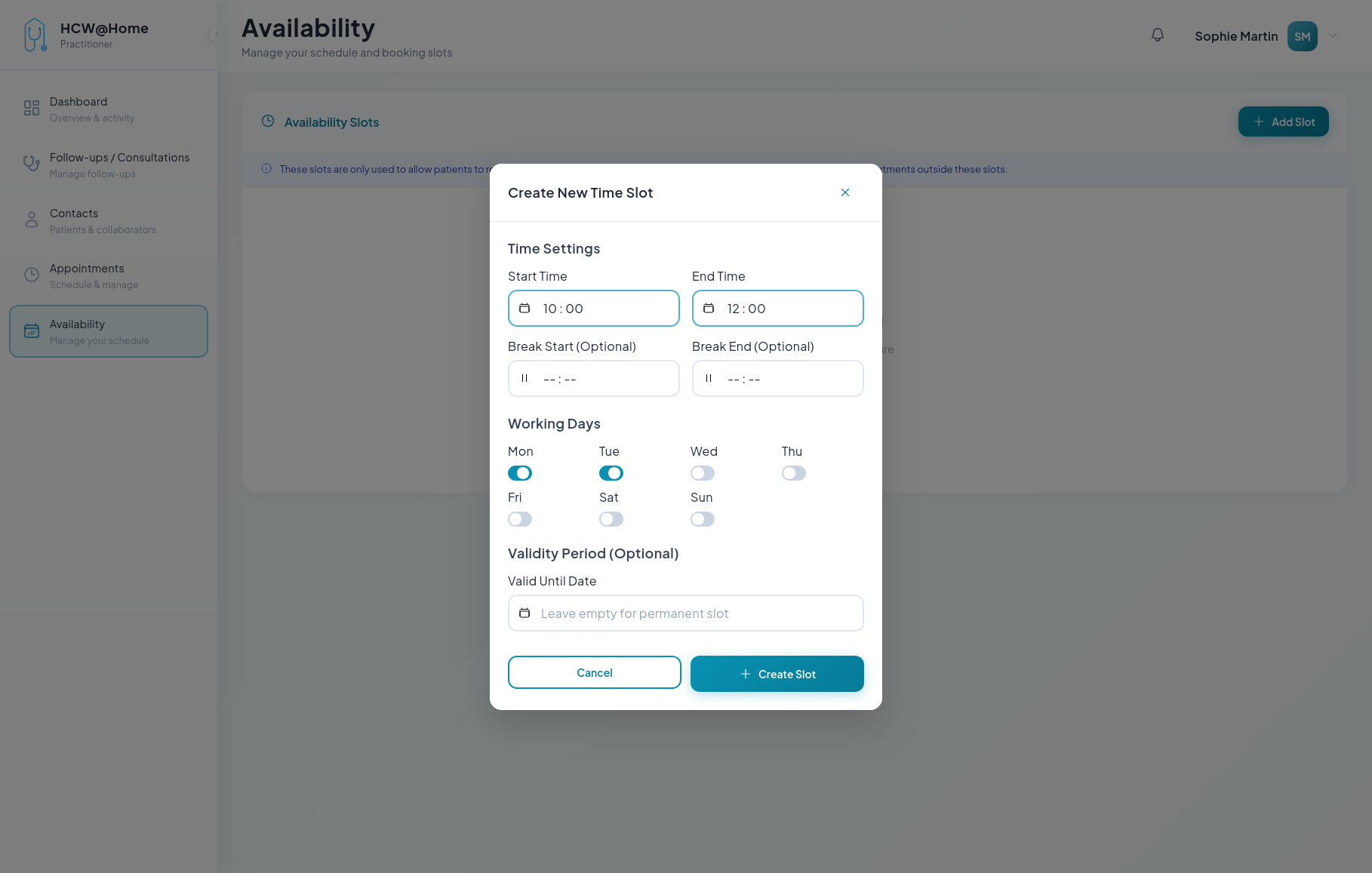
Slot Booking
Practitioners define their availability so that appointments can be booked on open time slots.
Defining Availability
Typical flow:
- The practitioner configures their weekly availability with recurring time slots
- Available slots are visible when scheduling appointments
- Other practitioners or patients can book on the available slots
Features used: availability management, booking slots, calendar integration.
Bookable slots are managed from the Calendar menu: they are listed in the list view, below the appointments and the reminders.
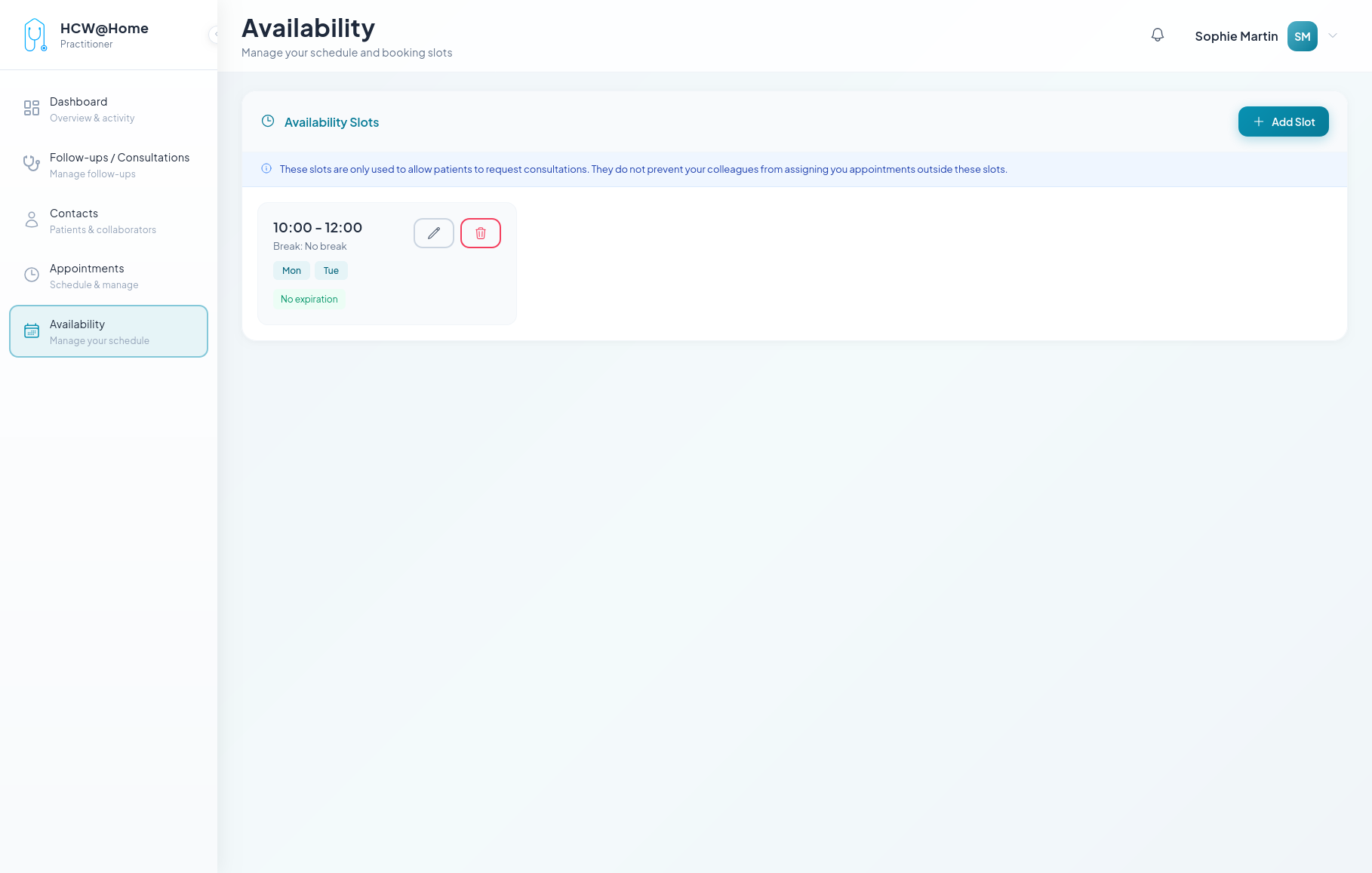
Opening a Time Slot
The practitioner opens a slot from the arrow next to + New Appointment, then New bookable slot: start and end time, an optional break, the working days it applies to, and an optional expiry date.