Organizations
Organizations represent tenants in the platform. Each organization has its own configuration, users, and data isolation.
Menu: Users & Authentication > Organizations
Data isolation between organizations is controlled by two visibility options in the advanced settings:
- USERS_VISIBILITY: controls which users practitioners can see (all users, same organization only, or no sharing)
- PATIENT_VISIBILITY: controls which patients practitioners can see (all patients, only patients they created, or patients from the same organization)
When set to organization-level isolation, users and consultations are strictly scoped to their organization.
Organization List
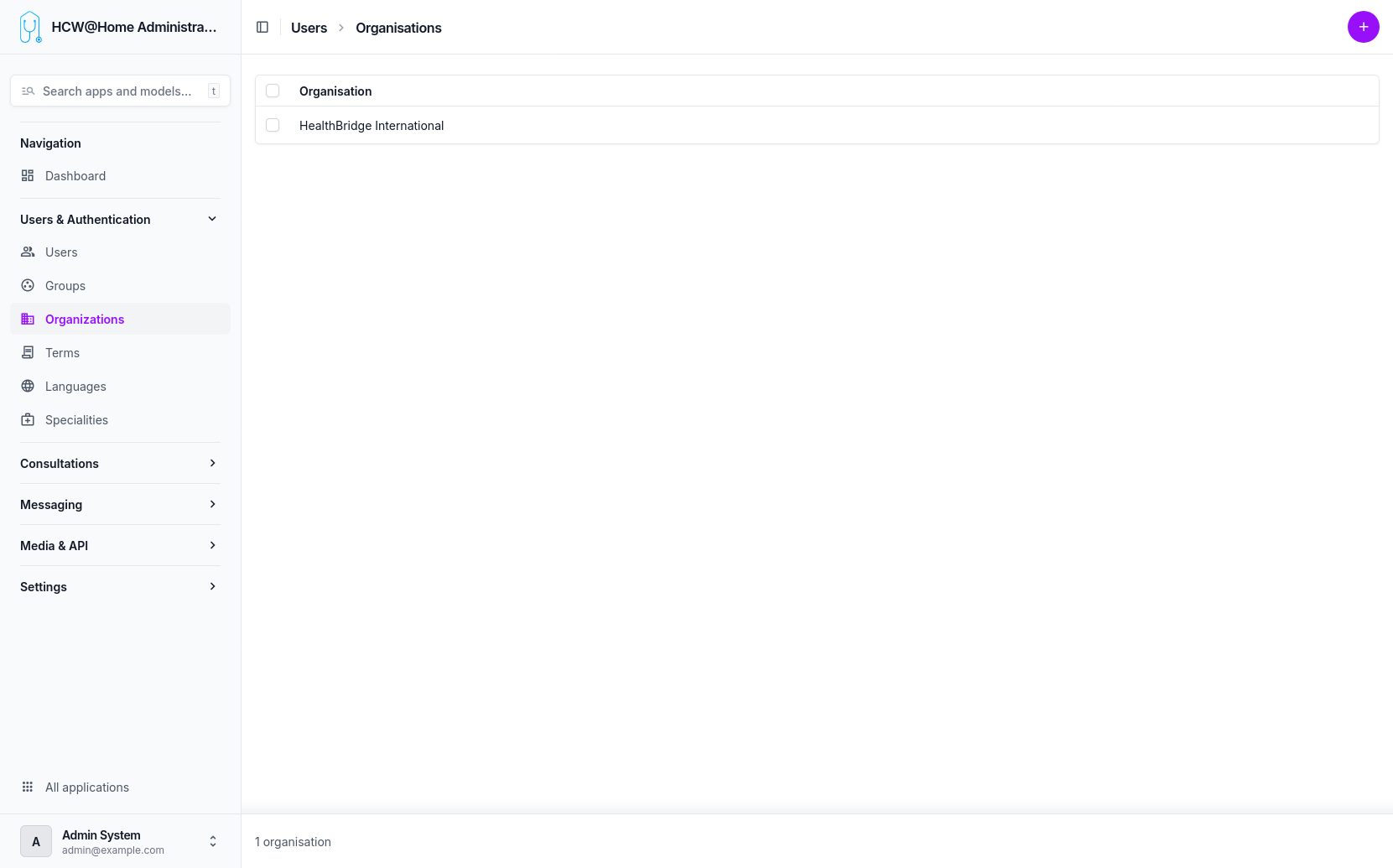
Default Organization
The default organization has a special behavior: its home page displays the application logs, providing a quick overview of system activity for administrators.
Other organizations display a standard dashboard.
Organization Configuration
Each organization can be configured independently with:
- Custom branding (logo, colors)
- Terms of use assignment
- Messaging providers (email, SMS)
- SSO/OpenID Connect configuration
- Feature toggles and advanced options