User Management
Users are managed from the administration interface. Each user belongs to a default organization, which determines their access scope and configuration.
Menu: Users & Authentication > Users
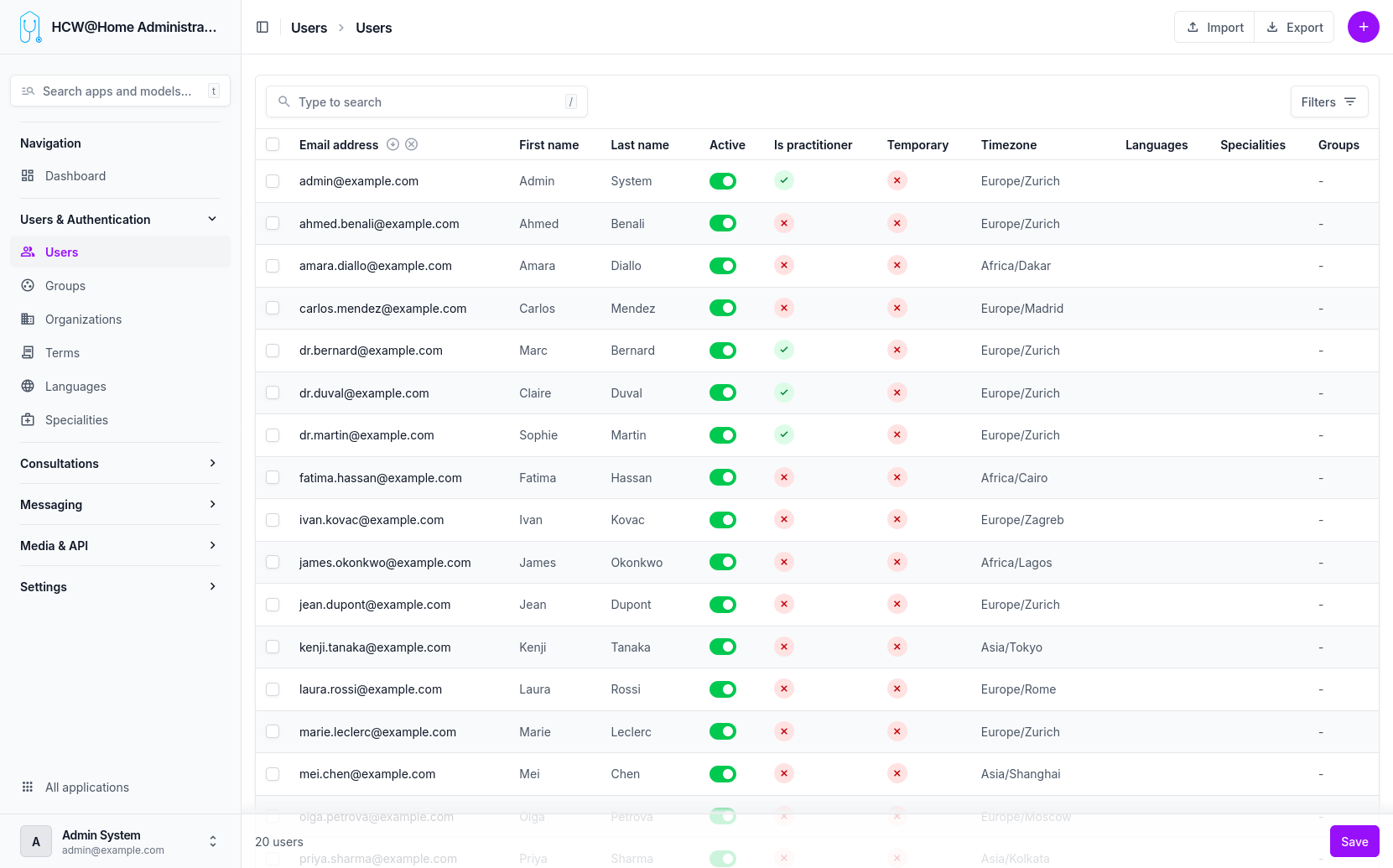
User List
The user list provides an overview of all registered users with their role, status, and organization.
Default Organization
Every user is assigned to a default organization upon creation. This organization defines:
- The available features and configuration
- The terms of use the user must accept
- The messaging providers used for notifications
Groups
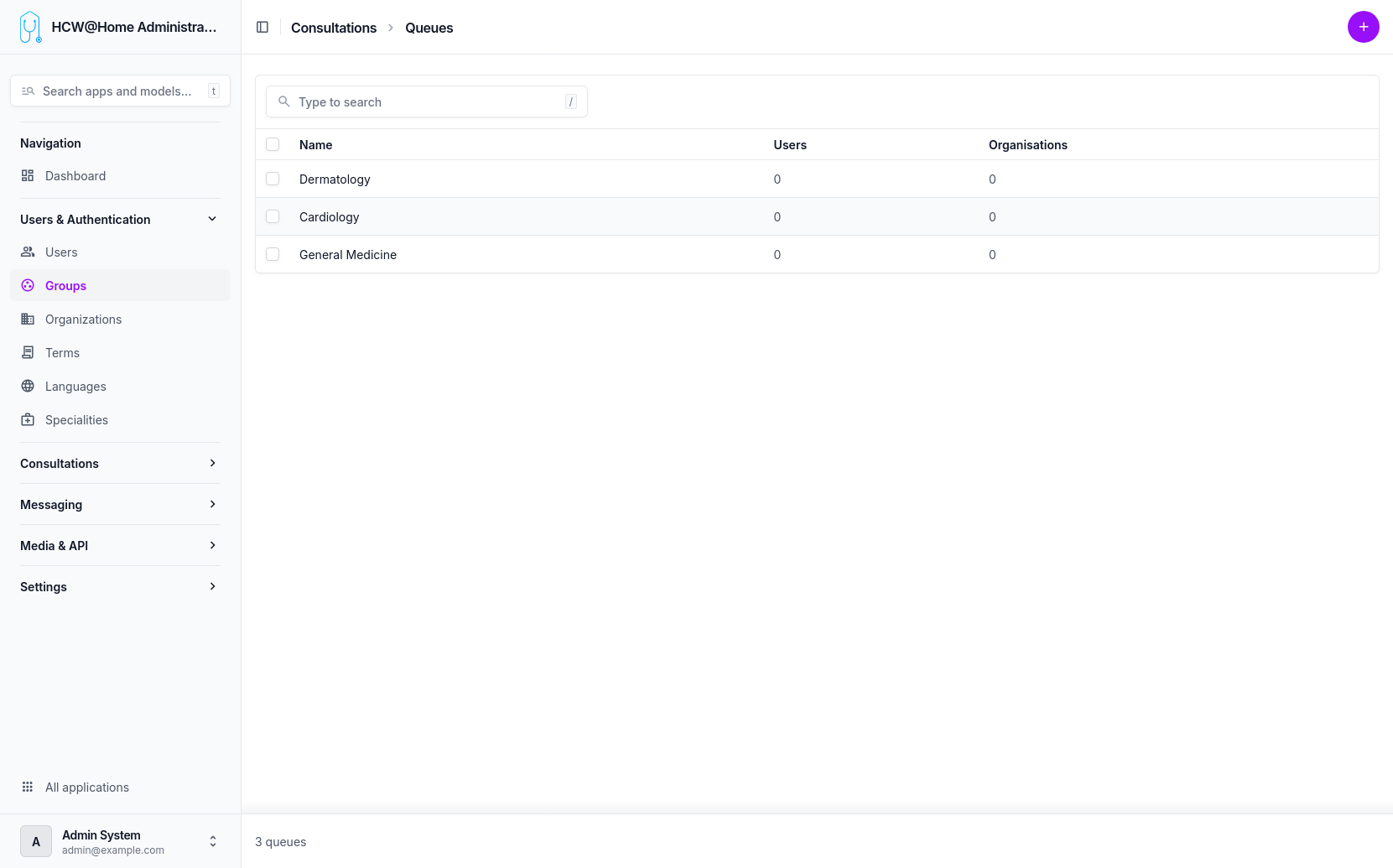
Menu: Users & Authentication > Groups
Users can be assigned to one or more groups (e.g., "General Medicine", "Cardiology"). Groups are used to route consultation requests to the appropriate practitioners.