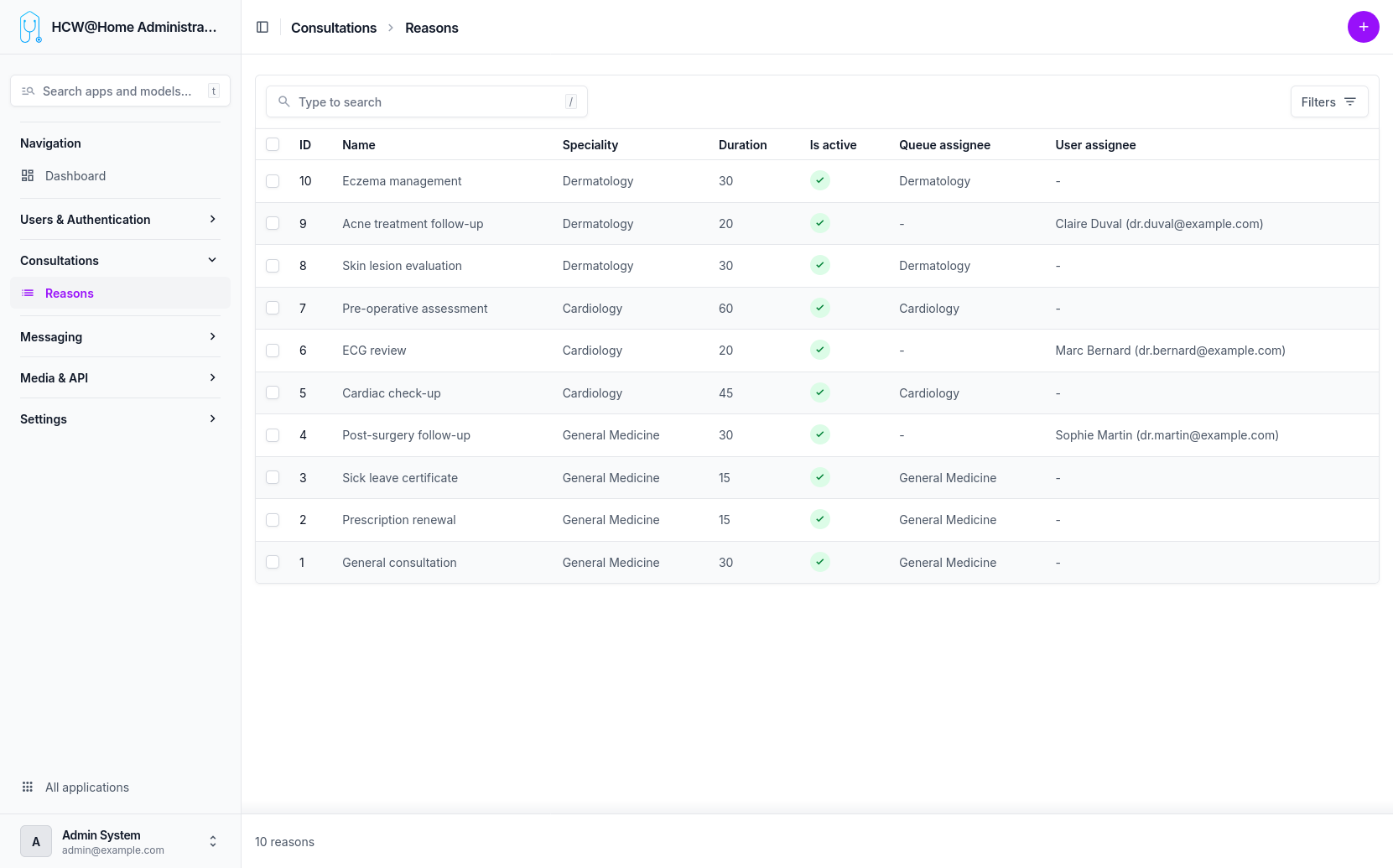
Consultation Reasons
Consultation reasons are used by patients when requesting an appointment through the booking system. They help route the request to the appropriate practitioner.
Menu: Consultations > Reasons
How It Works
When a patient books an appointment, they select a reason from the available list. The system then matches the reason with practitioners who have the corresponding specialty configured.
Prerequisites
For the booking system to work correctly, the following must be in place:
- Specialties configured: each reason is linked to a specialty. The specialty must be created and assigned to the relevant practitioners.
- Practitioner availability slots: practitioners must have defined their availability slots so that patients can see and book open time slots.
Without both of these, the reason will not be available for patient booking.
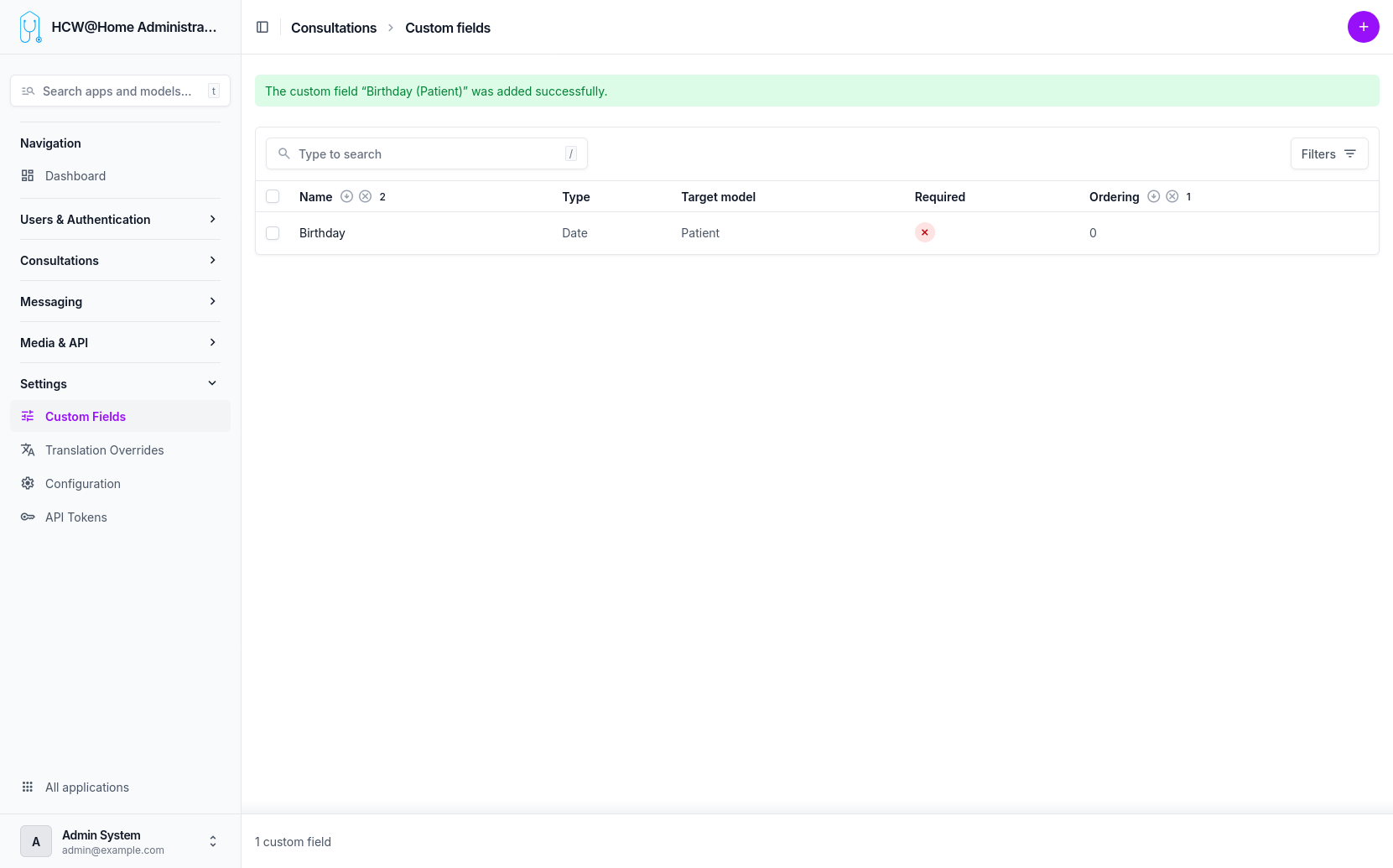
Custom Fields
Custom fields can be added to the consultation request form, allowing patients to provide additional information (symptoms, urgency level, etc.) when selecting a reason.
Menu: Settings > Custom Fields