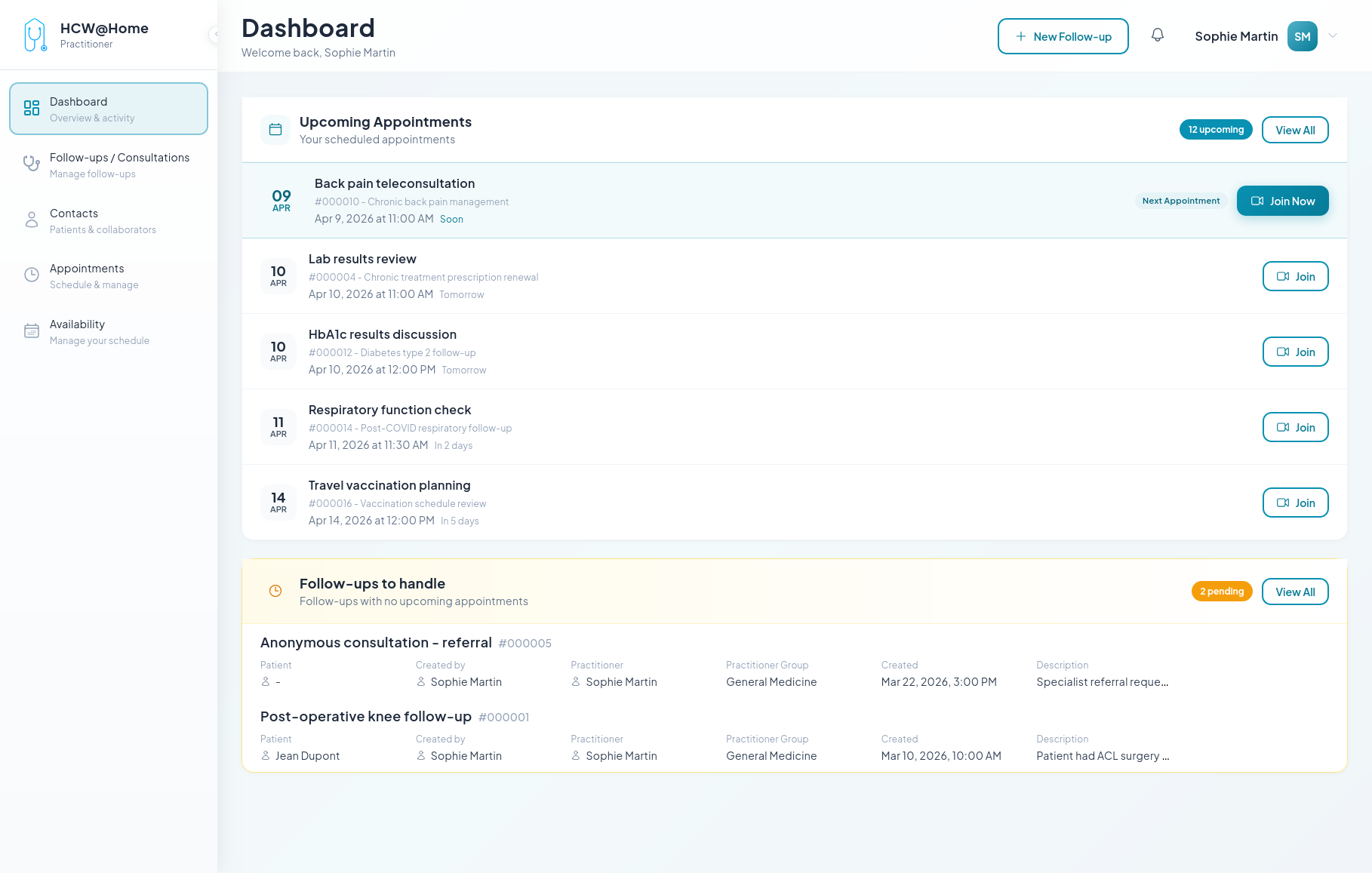
Video Call Scheduling
A practitioner initiates or schedules video and audio calls with patients.
Spontaneous Consultation (chat + call)
Typical flow:
- The practitioner creates a new consultation from their interface
- The patient receives an invitation via SMS or email with an access link
- The patient accesses the interface via their browser (no installation required)
- Practitioner and patient exchange via chat (messages, files, images)
- The practitioner initiates a video or audio call
- The patient receives the call notification and joins the consultation
- The practitioner closes the consultation when finished
Features used: real-time chat, audio/video calls, file sharing, push notifications, SMS/email invitations.
Anonymous Patient Invitation
A patient without an account is invited for a one-time teleconsultation.
Typical flow:
- The practitioner creates a consultation and generates an invitation link
- The link is sent via SMS or email to the patient
- The patient accesses the consultation via their browser, without creating an account
- After the consultation, the temporary account is automatically deleted (configurable)
Features used: temporary users, link invitations, auto-cleanup.